
Short answer
ERP Sync attaches documents to QuickBooks Online transactions in bulk — up to 30 files per batch from Drive, SharePoint, email or uploads. It can also generate a PDF memo (reasoning, control totals and links to the source documents) and attach it to a journal entry, and copy attachments from one QuickBooks company’s transactions to another’s.
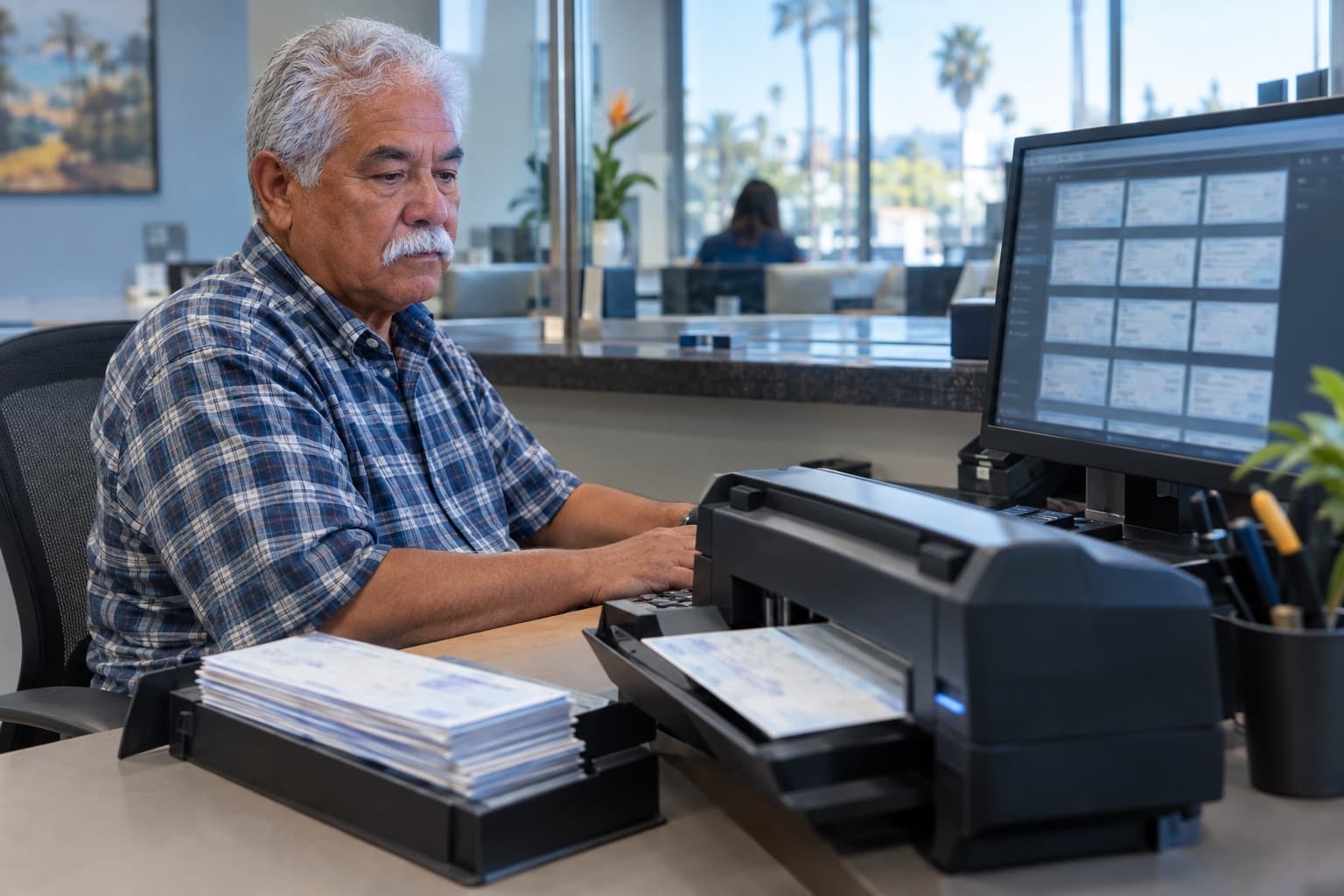
Support that lives somewhere else is support you don’t have
Auditors, lenders and your future self want the invoice on the bill and the calculation on the journal entry. Attaching them one at a time through the QuickBooks screen is the step everyone skips.
What ERP Sync does
- Finds the documents: files copied in from Google Drive, Gmail, SharePoint, OneDrive or Outlook are OCR’d and searchable, so the agent can locate the invoice that supports each transaction.
- Attaches them in batches of up to 30, queued and tracked until QuickBooks confirms each one.
- Generates a PDF memo for journal entries and other transactions — headings, reasoning, control totals and a clickable link to each source document — and attaches it in one step.
- Copies attachments from transactions in one QuickBooks company to the matching transactions in another, and pulls existing QuickBooks attachments into ERP Sync so they can be read and searched.
What to ask your AI agent
With ERP Sync connected to Claude, ChatGPT, or another MCP-capable agent, requests like these work as written:
For every September bill from Sysco, find the matching invoice PDF in the AP folder and attach it.
Write a PDF memo for the 9/30 accrual entry showing the calculation and linking the three vendor quotes, and attach it to the entry.
Copy the attachments on the intercompany invoices in Holdco to the matching bills in Opco.
The ERP Sync tools behind it
These are the MCP tools an agent calls. Each one is switched on or off per user, and read-only versus read-write is set per feature.
| Tool | What it does |
|---|---|
| qbo_upload / qbo_upload_status | Queues attachments (up to 30 per batch) and tracks them to completion. |
| qbo_attach_link | Builds a PDF memo with source links and attaches it to a transaction. |
| qbo_copy_attachment | Copies attachments between companies or into ERP Sync storage. |
| erp_file_search / erp_file_grep | Finds the supporting document by meaning or exact text. |
Limits and requirements
- QuickBooks Online only; attaching requires read-write access on the company.
- The generated PDF memo currently needs at least one source-document link.
Frequently asked questions
Where do the documents come from?
Anything copied into ERP Sync storage: Google Drive, Gmail, SharePoint, OneDrive, Outlook, direct uploads, or existing QuickBooks attachments.
Does the PDF memo replace the transaction memo?
It complements it. A common pattern is to put the full explanation in the PDF and keep a one-line pointer in the QuickBooks memo.